What Are S3 Buckets and What Are They For?
Introduction
In this series I will share with you everything I know related to S3 Buckets. S3 is one of the most used AWS services as it allows storing files in a very convenient and secure way (security is up to you 😂).
S3 Definition
The Simple Storage Service (S3) is an object storage service provided by AWS. It offers high scalability, durability, and availability. It is mostly used to store static files that do not change frequently and allows stored objects to be publicly available via the Internet.
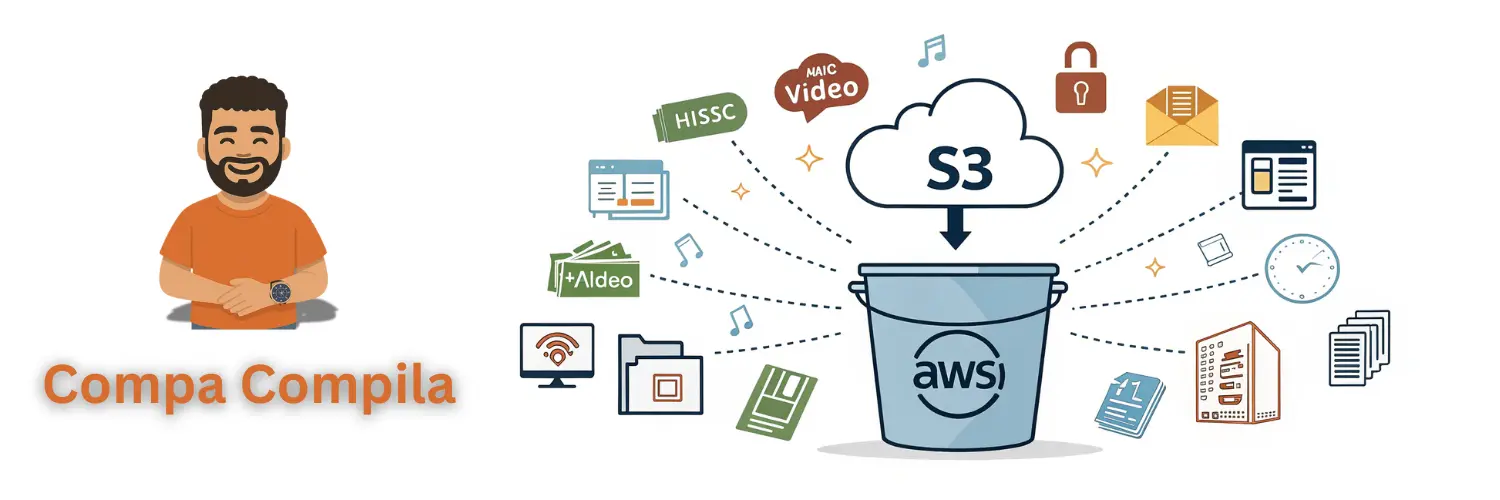
When using S3, we typically work with objects and buckets. Objects are nothing more than files with associated metadata, while buckets are simply the containers where objects are stored. It’s important to note that there is no limit to the number of files you can store in an S3 bucket, and in the same bucket, you can store different types of files, such as music, images, videos, documents, etc. One of the most interesting aspects of S3 is that bucket names are globally unique, meaning there cannot be two S3 buckets with the same name, regardless of whether they are in different AWS regions. For example, the bucket where I have stored all the static files for this website is named compacompila-website, if you try to create a bucket with this same name, you will receive an error.
Folders (prefixes)
To better organize objects in our bucket, we have “folders”; however, these “folders” are not the traditional ones we have in our file system, as S3 has a flat structure, meaning all objects are stored at the same level. In reality, these “folders” act as prefixes for the object. That is, if we have an object in our bucket inside the images folder, and the name of this object is cars.webp, then the object’s key is images/cars.webp, the prefix is images/, and the file name is cars.webp. In summary, although all files are stored at the same level, we can use prefixes to group objects within our bucket.
S3 Physical Architecture
S3 buckets are regional resources that use all available data centers in the region we choose. By default, S3 creates a replica of our objects in all availability zones present in the selected region. This provides us with high data durability and availability, since, for example, if a region has 20 data centers, it means our objects will be replicated 20 times.
When we talk about data, durability is the probability that an object will remain intact and accessible after one year.
Website Hosting
Another feature of S3 is that it allows us to host a website using HTML, CSS, and JavaScript files. This is one of my favorite features as it allows us to deploy static websites (the way I deployed this blog, I explain it here) without having to manage servers and in a fairly inexpensive way. In this regard, it is important to note that we cannot execute server-side code this way.
API Interface
S3 is a Web service; therefore, retrieving objects stored in a bucket is similar to downloading files from an FTP server. Basically, what I mean is that we communicate with S3 through an API provided by AWS. If we were to use another service, such as EFS, we would have to attach our device to our instance. Another advantage we have with S3 is that since we communicate via APIs, it does not depend on our operating system, unlike what happens with other storage services.
Limitations
Although S3 is, for me, one of the best storage services AWS provides, it has some limitations (not everything can be advantages 😂). Here I present them, and it’s important to note that if our application needs these features, we would have to consider another service:
- Concurrent file modification
- File locking
This is because S3 does not support Portable Operating System Interface (POSIX).
POSIX refers to certain standards that define how an operating system should behave, including its file system. Specifically related to file systems, it ensures consistency and a predictable way for applications to interact with files and folders regardless of the operating system.
See you soon
That’s all for now regarding this first article of this series where I’ll be providing you with a complete guide on S3 buckets. In the next article, we will be talking about the different storage classes available in S3. See you soon.